Convert between JPG, PNG and WebP, compress, and resize images directly in your browser. Your files stay on your device, no account is required, and all tools are free to use.
Turn a WebP image into JPG right in your browser. Set the quality and pick a background color for transparent areas — no upload required.
Turn a PNG image into JPG right in your browser. Set the quality and pick a background color for transparent areas — no upload required.
Turn a JPG or JPEG image into PNG right in your browser when you need that format — no upload required.
Switch an image between JPG, PNG, and WebP right in your browser. Adjust quality and size before downloading — no upload required.
Switch an image between JPG, PNG, and WebP right in your browser. Adjust quality and size before downloading — no upload required.
Turn a WebP image into JPG right in your browser. Set the quality and pick a background color for transparent areas — no upload required.
Turn a PNG image into JPG right in your browser. Set the quality and pick a background color for transparent areas — no upload required.
Turn a JPG or JPEG image into PNG right in your browser when you need that format — no upload required.
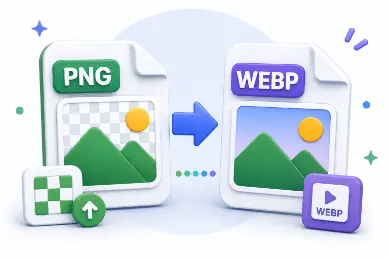
Turn a PNG image into WebP right in your browser. Use the quality slider to balance size and clarity — no upload required.
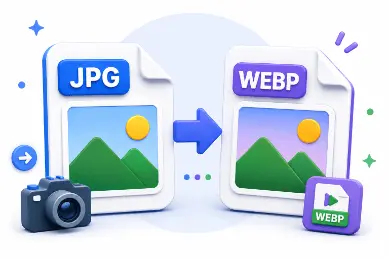
Turn a JPG or JPEG image into WebP right in your browser. Adjust quality for smaller, web-ready files — no upload required.
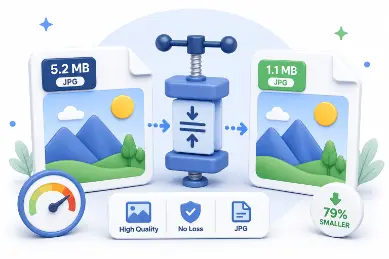
Shrink a JPG, PNG, or WebP file size right in your browser. Adjust quality and compare the before-and-after size — no upload required.
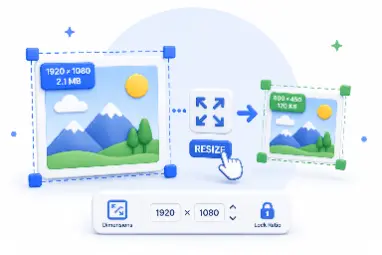
Adjust an image's width, height, or scale right in your browser. Lock the aspect ratio and download as JPG, PNG, or WebP — no upload required.
No. All processing happens locally in your browser. Your files never leave your device.
You can convert between JPG, PNG and WebP in every direction using the same browser engine.
Yes. All image tools on AdawatMix are free with no login required.