Share

JPG to PNG

Your image is processed locally in your browser and is not uploaded to AdawatMix.

JPG → PNG

Drag and drop a JPG image here, or click to browse

Choose file

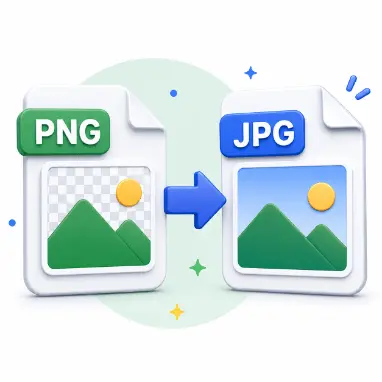
Some editing tools and design workflows need PNG rather than JPEG, particularly when a file is about to be layered, marked up, or re-saved repeatedly. This converts a JPG or JPEG into PNG locally, with no upload and no quality slider to configure.

What this tool does

The JPEG is decoded locally and its pixels are re-encoded as PNG, a lossless format. That re-wrapping stops any further compression from this step onward, but it can't bring back detail the original JPEG compression already discarded.
How to use it

  1. Select a JPG or JPEG file.
  2. Select process.
  3. Download the resulting PNG.

What you get

  • PNG output is lossless from this point forward.
  • No quality slider to configure — there's nothing to tune.
  • Processing happens locally, with no upload involved.

Typical uses

  • Bringing a photo into design software that prefers PNG.
  • Archiving a JPEG inside a lossless container for future edits.
  • Preparing an asset for markup or layered editing.

Examples

  • photo.jpg becomes photo.png, ready for editing.
  • A scanned document saved as JPEG converts to PNG for annotation.

Worth knowing

  • Converting JPG to PNG cannot restore detail already lost to the original JPEG compression.
  • The resulting PNG file is often larger than the source JPG, since PNG doesn't use the same lossy compression.

Frequently asked

Does this improve JPEG quality?

No. It re-wraps the already-decoded pixels in a lossless container; it can't recover detail lost during the original JPEG compression.

Are files uploaded?

No. Everything stays on your device throughout the conversion.

Related tools

A quick JPG-to-PNG conversion for whenever the next step in your workflow specifically calls for PNG.

← All image tools