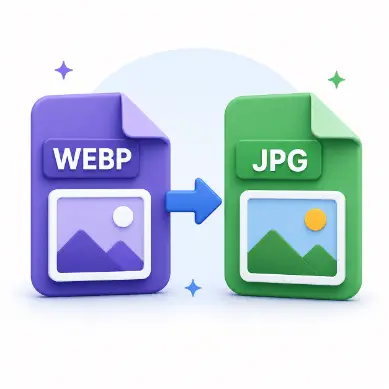
WebP to JPG
Convert WebP images to JPG with quality control and background color for transparency.
Use nowConvert between JPG, PNG and WebP, compress, and resize images directly in your browser. Your files stay on your device, no account is required, and all tools are free to use.
Convert WebP images to JPG with quality control and background color for transparency.
Use now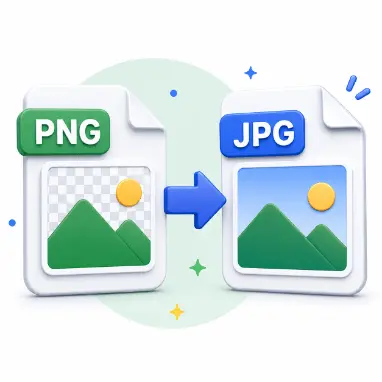
Convert PNG to JPG with quality control and background color for transparency.
Use now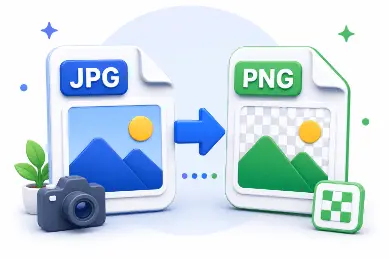
Convert JPG and JPEG to lossless PNG in your browser—no upload required.
Use now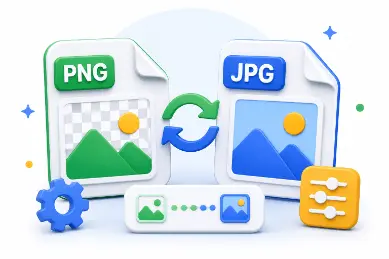
Convert between JPG, PNG and WebP in your browser with quality and resize options.
Use nowConvert between JPG, PNG and WebP in your browser with quality and resize options.
Use nowConvert WebP images to JPG with quality control and background color for transparency.
Use nowConvert PNG to JPG with quality control and background color for transparency.
Use nowConvert JPG and JPEG to lossless PNG in your browser—no upload required.
Use now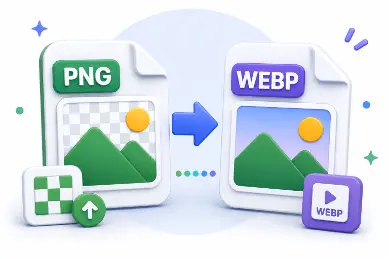
Convert PNG to WebP with a quality slider for smaller web-friendly files.
Use now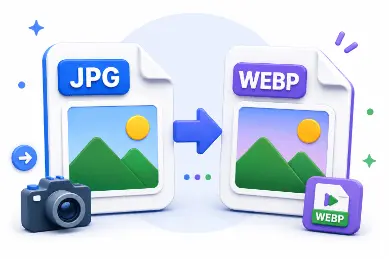
Convert JPG and JPEG to WebP with quality control for faster web pages.
Use now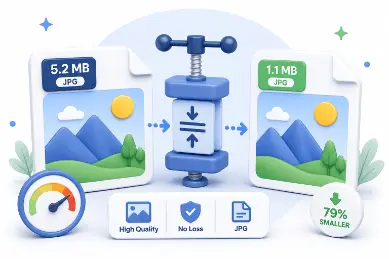
Reduce image file size with a quality slider and before/after size comparison.
Use now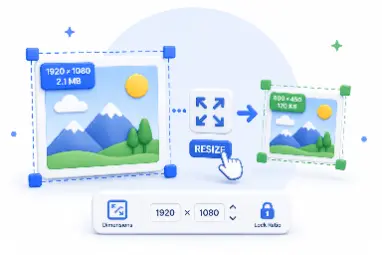
Resize to exact dimensions or percentages with aspect-ratio lock and presets.
Use nowNo tools match your search.
Files stay on your device
No registration required
Free to use
Works on mobile and desktop
No. All processing happens locally in your browser. Your files never leave your device.
You can convert between JPG, PNG and WebP in every direction using the same browser engine.
Yes. All image tools on AdawatMix are free with no login required.