What this tool does
The image is re-encoded at the quality setting you pick, and the tool reports exactly how many bytes were saved — or warns you if the new file actually turned out larger than the original.
Your image is processed locally in your browser and is not uploaded to AdawatMix.
Drag and drop your image here, or click to browse
Choose file
WebP output is not supported in this browser.
PNG is lossless — the quality slider does not apply. To reduce file size, set a max width or choose JPG/WebP output.
A page loads only as fast as its heaviest image, which is usually the first place worth checking before optimizing anything else. Add a JPG, PNG, or WebP file, move the quality slider, and see the original size next to the new one before deciding whether to download. The image is re-encoded at the quality setting you pick, and the tool reports exactly how many bytes were saved — or warns you if the new file actually turned out larger than the original. Not always. A JPG that's already well optimized can even grow slightly if the quality setting is too high for its content. Exporting through canvas typically strips EXIF metadata, so location and camera details won't carry over to the new file. Resize to exact dimensions or percentages with aspect-ratio lock and presets. Convert WebP images to JPG with quality control and background color for transparency. Convert between JPG, PNG and WebP in your browser with quality and resize options.What this tool does
How to use it
What you get
Typical uses
Examples
Worth knowing
Frequently asked
Will compression always help?
Is metadata kept?
Related tools
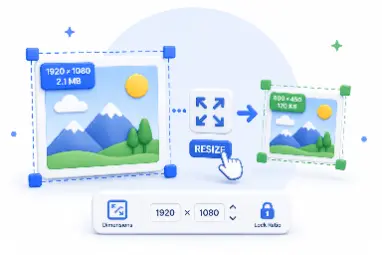
Resize Image
WebP to JPG
Image Converter
See exactly what you're saving before you download — that visibility is what makes compression a deliberate choice instead of a guess.